
걱정하지 마시고 즉시 담당자에게 문의하세요.
서두르지 마시고 지금 바로 상사에게 직접 문의하세요. 보통 1시간 이내에 답변해 드립니다.
중국 최고의 와이어 선반 제품 제조업체
원스톱 와이어 선반 제조업체 OEM/ODM
당사는 SSL/3.0을 사용하여 개인 정보를 암호화합니다.
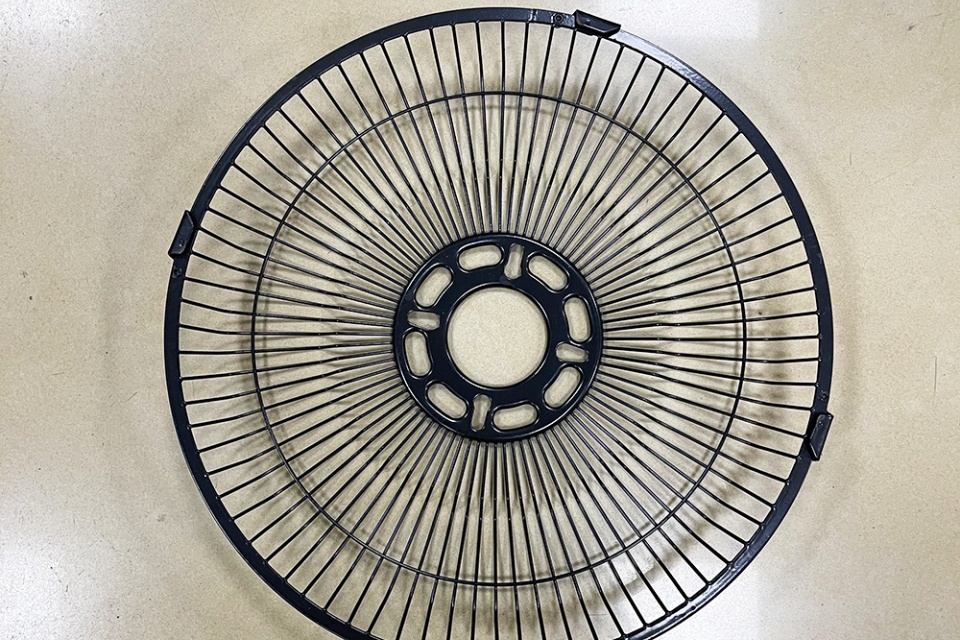
Practical tips to maintain and re-fill solder paste printer depositors: handle paste, tune dispense, check cleaning, use SPI, and guard airflow with fan guards.
If you run an SMT line, you already know this truth: the printer sets the tone. When the solder paste depositor (paste supply / replenishment unit) acts up, everything downstream starts to look messy—SPI alarms, bridges, shorts, and that “why is QA calling again?” vibe.
This guide stays practical. You’ll get real shop-floor steps, a few “watch out for this” moments, and tables you can turn into a checklist. I’ll also tie it back to wire-formed hardware—because airflow, guarding, and line organization matter more than people admit.
Solder paste is picky. It don’t like moisture, dust, and surprise temperature swings.
If you refill straight from cold storage, you risk condensation when you open the container. That extra moisture can change how the paste rolls, prints, and releases.
Scenario:
You pull paste from cold storage. You crack the lid early. Ten minutes later, you see smearing at fine pitch. You blame the stencil. But the paste already started drifting.
Do this instead:
You want a smooth, consistent texture. You don’t want air bubbles. Over-mixing can fold in air, and that shows up later as random deposit weirdness.
Keep mixing light and short. If your paste comes in cartridges, follow the supplier’s guidance. Some packaging needs very little prep.
This is where most lines lose time. Not because it’s hard, but because people rush it.
Your depositor is part material system, part mini machine. A dirty seal, dried paste on a fitting, or a nicked O-ring can cause:
Quick habits that help:
Mixing old paste with new paste sounds efficient. In real life, it’s how you get surprise viscosity changes and random print-to-print drift.
If you must top off, do it in a controlled way. Keep the “old vs new” line clear in your process notes.
Your depositor settings should match your stencil, your board design, and your takt time.
People mix these up:
If rate is high and speed is low, you dump paste in one spot. If rate is low and speed is high, you starve the bead and the squeegee starts scraping a thin, unhappy line.
Simple rule: change one thing at a time. Write it down. If you don’t log it, you’ll “tune” forever.
Depositors drift for boring reasons:
Calibration isn’t glamorous, but it keeps the line calm. Do a short verification after refill—don’t wait until SPI screams.
Under-stencil cleaning is not “maintenance.” It’s a process knob.
If your wipe paper is low, solvent is low, or vacuum is weak, cleaning becomes fake cleaning. You still “run the cycle,” but the stencil underside stays dirty.
That leads to paste transfer issues, then misprints, then rework.
Don’t just stare at the stencil like it owes you money. Check specific risk areas:
A stencil can look clean and still have blocked apertures. Yep, thats the annoying part.
Even with a perfect refill, bad print settings will beat up your paste fast.
Too much pressure can over-shear the paste. Too aggressive separation can pull paste out of apertures or leave stringing.
If you’re troubleshooting, simplify:
You’re watching the “paste roll” in front of the squeegee. When it looks dry, broken, or uneven, the printer is giving you early warnings.
Scenario:
First 20 boards look fine. Then deposits start shrinking. The bead got too thin because replenishment lagged behind consumption.
Fix it by matching replenishment timing to real consumption, not “what we always do.”
Treat alarms like clues, not annoyances.
Preventive maintenance works best when it’s short and frequent, not dramatic and rare.
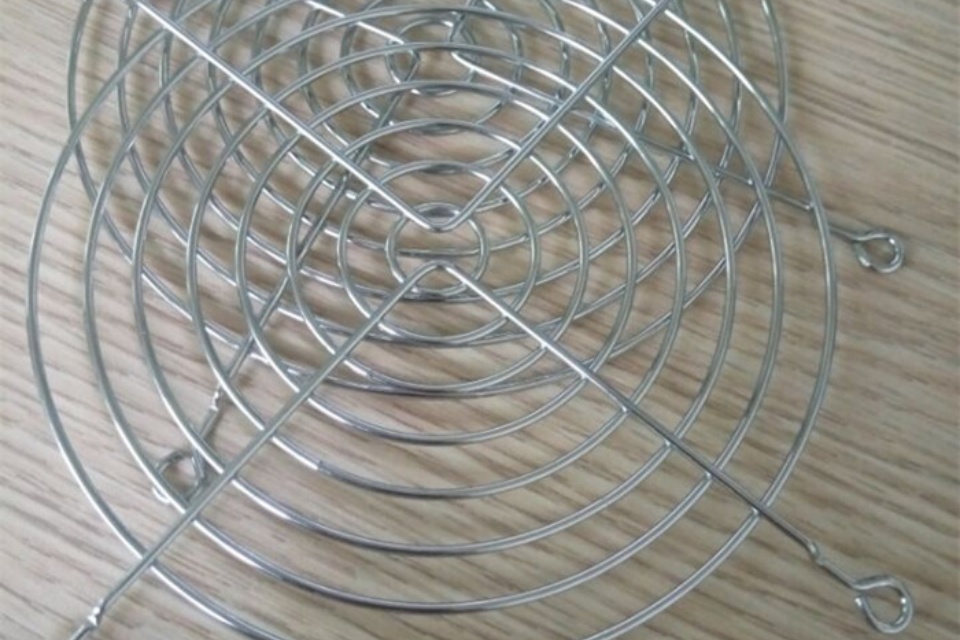
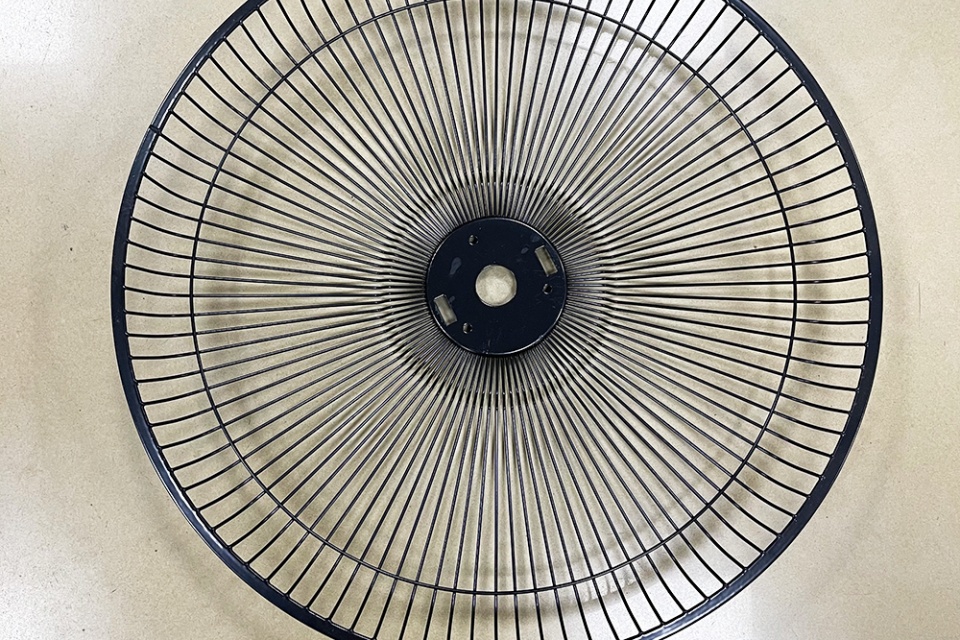
Here’s the part most SMT teams forget: printers still need clean airflow. Fans pull dust, paste fumes, and shop air through the machine. Guards protect people and help keep debris out of fan blades.
On our site, our position our work as 맞춤형 와이어 선반 제조 서비스 and highlight OEM/ODM capability across wire products, including guarding and cooling-related parts.
Why this matters in SMT (real talk):
If you need a guard that fits a weird cutout or mounting pitch, your fan guard options are a clean match. They’re protective and they don’t choke airflow.
Internal link for the product category: 팬 그릴 가드.
And yeah—this is where Qiao usually says, “Send the drawing, we’ll match it.” That simple approach keeps maintenance teams from zip-tying random screens over fans.
SPI isn’t just a gatekeeper. It’s your early warning system.
Use the data to adjust cleaning intervals and refill timing. Don’t guess forever.
| 작업 | What you check | How often | Quick pass/fail signal |
|---|---|---|---|
| Paste container warm-up | Container at room temp before opening | Every refill | No condensation, paste rolls normal |
| Cartridge seating | Seals clean, cartridge locked | Every refill | No leaks, no early “empty” |
| Depositor outlet cleanup | No dried paste at nozzle/valve | Every refill | Dispense is smooth, no stutter |
| Under-stencil cleaning supplies | Wipe paper + solvent + vacuum OK | 모든 교대 근무 | Cleaning actually removes underside smear |
| Stencil underside spot-check | Fine apertures + corners + center | Every shift / changeover | No blocked apertures |
| Parameter change log | Rate/speed/pressure edits recorded | Every change | You can explain what changed (and why) |
| Cooling fan airflow check | Guards intact, airflow not blocked | 주간 | Fan runs quiet, no weird vibration |
| Symptom on the line | 가능한 원인 | Fast fix you can try |
|---|---|---|
| Deposits shrink over time | Paste drying, bead too thin, refill lag | Refill earlier, tighten lid discipline, verify dispense timing |
| Random bridges at fine pitch | Dirty stencil underside, blocked apertures | Increase clean frequency, inspect underside, confirm vacuum/solvent |
| “Empty” alarm but cartridge isn’t empty | Sensor misread, residue, bad seating | Reseat cartridge, clean sensor area, check alignment |
| Stuttered dispense | Dried paste at outlet, sticky valve, pressure instability | Clean outlet, check regulator stability, run a short verification |
| Good prints then sudden mess after cleaning | Wipe system weak or wrong settings | Check paper/solvent/vacuum, adjust wipe mode/interval |
| Topic | Source type you can reference in your doc |
|---|---|
| Paste storage, warm-up, mixing | Solder paste supplier handling guidelines |
| Depositor settings, sensors, diagnostics | Printer OEM service/operation manual |
| Under-stencil cleaning performance | Printer OEM cleaning system guidance + internal trials |
| Print quality metrics | SPI reports + SPC/Cpk trend logs |
| Cooling fan safety and airflow | Equipment safety checklist + fan guard mechanical drawings |
If you want, I can also turn this into a tighter “shop-floor SOP” format and add a short troubleshooting flowchart. I can keep it practical and still sell the value of custom wire parts in a natural way.