Maintaining And Refilling Solder Paste Printer Depositors
Practical tips to maintain and re-fill solder paste printer depositors: handle paste, tune dispense, check cleaning, use SPI, and guard airflow with fan guards.
If you run an SMT line, you already know this truth: the printer sets the tone. When the solder paste depositor (paste supply / replenishment unit) acts up, everything downstream starts to look messy—SPI alarms, bridges, shorts, and that “why is QA calling again?” vibe.
This guide stays practical. You’ll get real shop-floor steps, a few “watch out for this” moments, and tables you can turn into a checklist. I’ll also tie it back to wire-formed hardware—because airflow, guarding, and line organization matter more than people admit.
Table of Contents
Solder paste handling before refill
Solder paste is picky. It don’t like moisture, dust, and surprise temperature swings.
Room temperature warm-up and condensation control
If you refill straight from cold storage, you risk condensation when you open the container. That extra moisture can change how the paste rolls, prints, and releases.
Scenario: You pull paste from cold storage. You crack the lid early. Ten minutes later, you see smearing at fine pitch. You blame the stencil. But the paste already started drifting.
Do this instead:
Let paste reach room temperature before you open it.
Keep lids closed until you’re ready to load.
Treat open paste like food in a busy kitchen: cover it, don’t wave it around.
Gentle mixing and “don’t whip air in”
You want a smooth, consistent texture. You don’t want air bubbles. Over-mixing can fold in air, and that shows up later as random deposit weirdness.
Keep mixing light and short. If your paste comes in cartridges, follow the supplier’s guidance. Some packaging needs very little prep.
Solder paste refill workflow in printer depositor systems
This is where most lines lose time. Not because it’s hard, but because people rush it.
Cartridge loading and cleanliness
Your depositor is part material system, part mini machine. A dirty seal, dried paste on a fitting, or a nicked O-ring can cause:
inconsistent dispense,
false “empty” signals,
or pressure spikes.
Quick habits that help:
Wipe contact surfaces before loading.
Keep caps and tools clean.
Don’t set a cartridge on a dusty cart and then “hope” for the best.
Don’t blend old paste with fresh paste
Mixing old paste with new paste sounds efficient. In real life, it’s how you get surprise viscosity changes and random print-to-print drift.
If you must top off, do it in a controlled way. Keep the “old vs new” line clear in your process notes.
Paste replenishment settings: dispense rate and dispense speed
Your depositor settings should match your stencil, your board design, and your takt time.
Dispense rate vs dispense speed
People mix these up:
Dispense rate = how much paste you push out.
Dispense speed = how fast the system moves while dispensing.
If rate is high and speed is low, you dump paste in one spot. If rate is low and speed is high, you starve the bead and the squeegee starts scraping a thin, unhappy line.
Simple rule: change one thing at a time. Write it down. If you don’t log it, you’ll “tune” forever.
Depositor calibration and seals
Depositors drift for boring reasons:
worn seals,
sticky valves,
dried paste at the nozzle,
a pressure regulator that’s not stable.
Calibration isn’t glamorous, but it keeps the line calm. Do a short verification after refill—don’t wait until SPI screams.
Under-stencil cleaning and stencil underside inspection
Under-stencil cleaning is not “maintenance.” It’s a process knob.
Wipe paper, solvent, vacuum: the real stop-the-line trio
If your wipe paper is low, solvent is low, or vacuum is weak, cleaning becomes fake cleaning. You still “run the cycle,” but the stencil underside stays dirty.
That leads to paste transfer issues, then misprints, then rework.
Stencil aperture inspection after cleaning
Don’t just stare at the stencil like it owes you money. Check specific risk areas:
smallest apertures,
corners and center,
step-down zones,
fine pitch near BGAs or tight QFNs.
A stencil can look clean and still have blocked apertures. Yep, thats the annoying part.
Print parameters that stress the paste bead
Even with a perfect refill, bad print settings will beat up your paste fast.
Squeegee pressure and separation speed
Too much pressure can over-shear the paste. Too aggressive separation can pull paste out of apertures or leave stringing.
If you’re troubleshooting, simplify:
stabilize your contact approach,
keep separation consistent,
then fine-tune.
Paste bead management (rolling behavior)
You’re watching the “paste roll” in front of the squeegee. When it looks dry, broken, or uneven, the printer is giving you early warnings.
Scenario: First 20 boards look fine. Then deposits start shrinking. The bead got too thin because replenishment lagged behind consumption.
Fix it by matching replenishment timing to real consumption, not “what we always do.”
Sensors, alarms, and preventive maintenance for paste depositors
Treat alarms like clues, not annoyances.
Empty/near-empty sensor triggers too early: sensor alignment, cartridge seating, or residue buildup.
Dispense pauses or stutters: valve stickiness, pressure instability, or dried paste at the outlet.
Random over-dispense: control loop overshoot, leaking seal, or wrong rate/speed combo.
Preventive maintenance works best when it’s short and frequent, not dramatic and rare.
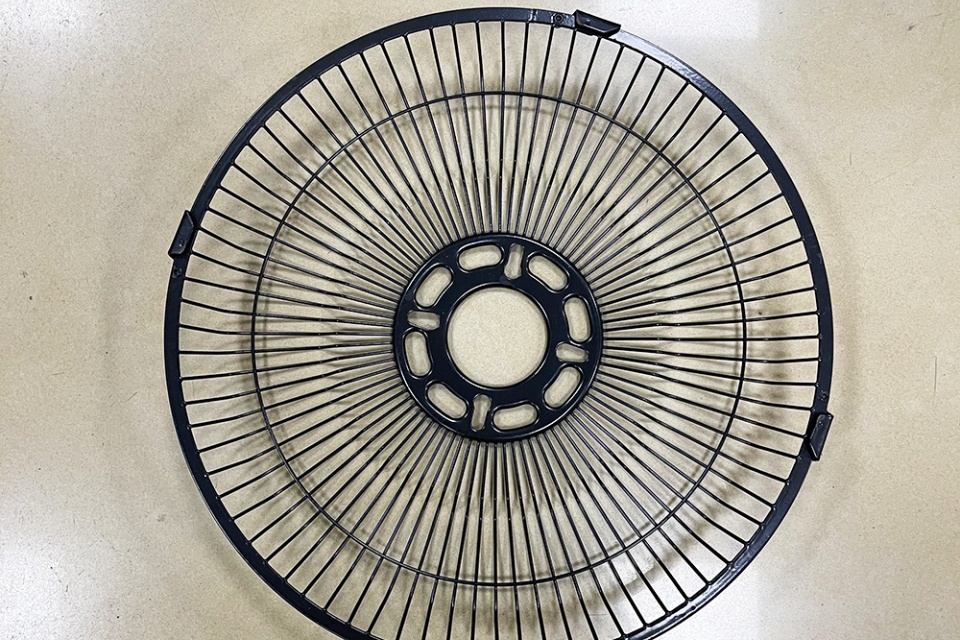
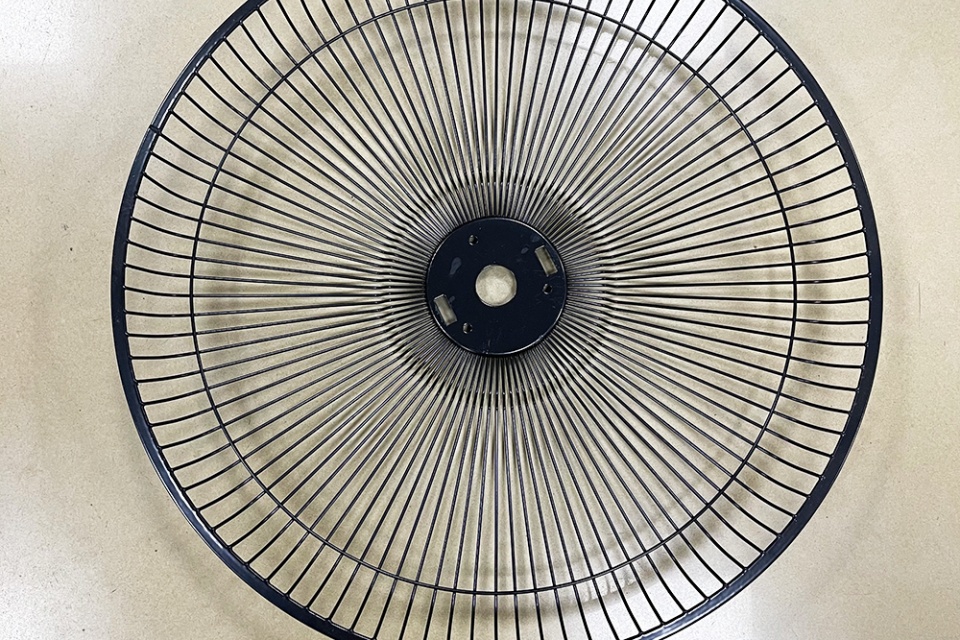
Fan grill guard for printer cooling fans and exhaust airflow
Here’s the part most SMT teams forget: printers still need clean airflow. Fans pull dust, paste fumes, and shop air through the machine. Guards protect people and help keep debris out of fan blades.
A damaged fan can cause temperature drift inside the printer cabinet.
Poor exhaust can leave residue and dust where you don’t want it.
A missing guard is a safety problem during service.
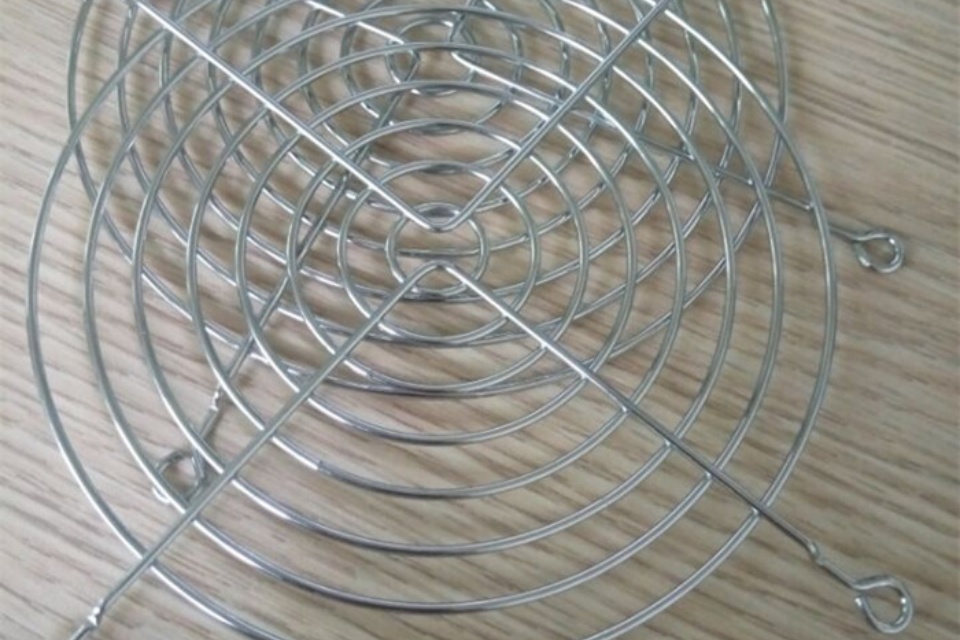
If you need a guard that fits a weird cutout or mounting pitch, your fan guard options are a clean match. They’re protective and they don’t choke airflow.
And yeah—this is where Qiao usually says, “Send the drawing, we’ll match it.” That simple approach keeps maintenance teams from zip-tying random screens over fans.
SPI feedback and data logging for print stability
SPI isn’t just a gatekeeper. It’s your early warning system.
If volume slowly trends down after refill, you may have replenishment lag or paste drying.
If you see random tall bricks, you may have inconsistent dispense or a dirty stencil underside.
If defects spike after cleaning, your wipe system may be weak (paper/solvent/vacuum).
Use the data to adjust cleaning intervals and refill timing. Don’t guess forever.
Table 3: “Source types” you can cite in your internal SOP (no external links)
Topic
Source type you can reference in your doc
Paste storage, warm-up, mixing
Solder paste supplier handling guidelines
Depositor settings, sensors, diagnostics
Printer OEM service/operation manual
Under-stencil cleaning performance
Printer OEM cleaning system guidance + internal trials
Print quality metrics
SPI reports + SPC/Cpk trend logs
Cooling fan safety and airflow
Equipment safety checklist + fan guard mechanical drawings
If you want, I can also turn this into a tighter “shop-floor SOP” format and add a short troubleshooting flowchart. I can keep it practical and still sell the value of custom wire parts in a natural way.