Troubleshooting Common SMT Machine Errors (Without Losing Your Mind)
A practical, shop-floor guide to common SMT machine alarms—pick, vision feeder, and placement—plus a fast matrix to cut downtime and stabilize output right now.
If you run an SMT line, you already know the vibe. One minute you’re cruising. Next minute the screen screams PICK ERROR or VISION ERROR, and the line goes dead quiet. That silence is expensive in time, stress, and missed ship dates.
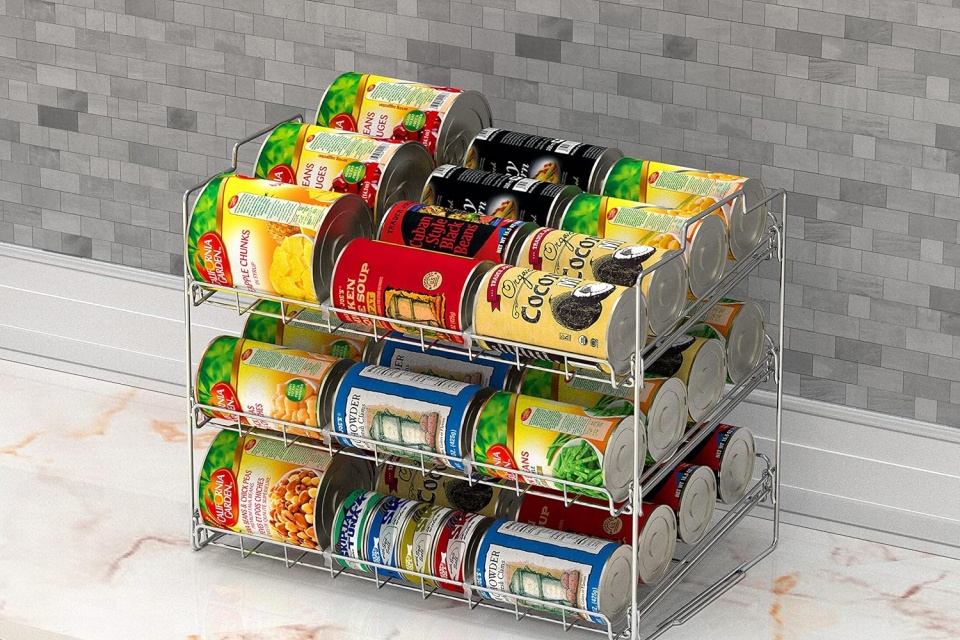
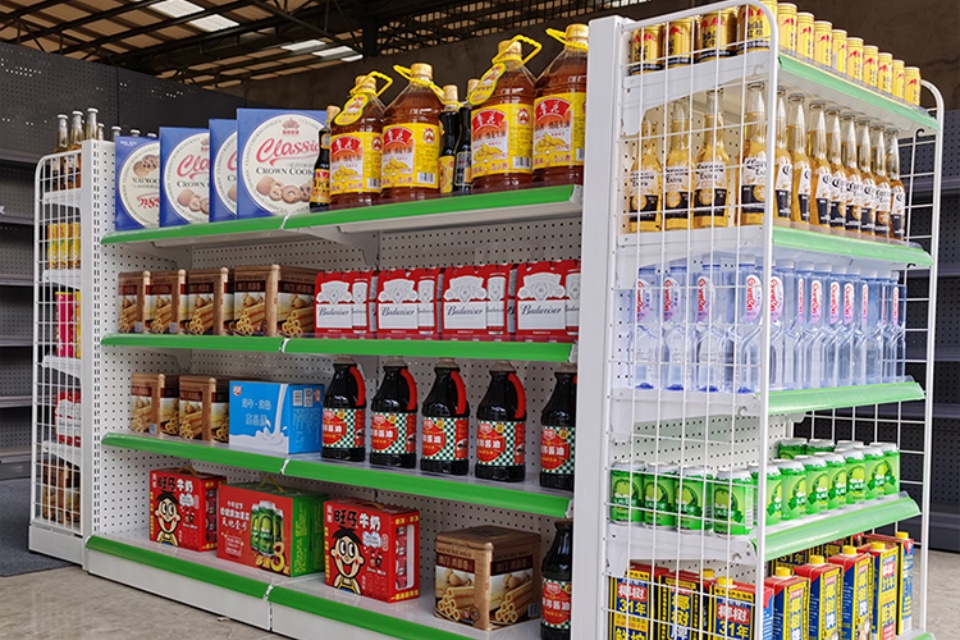
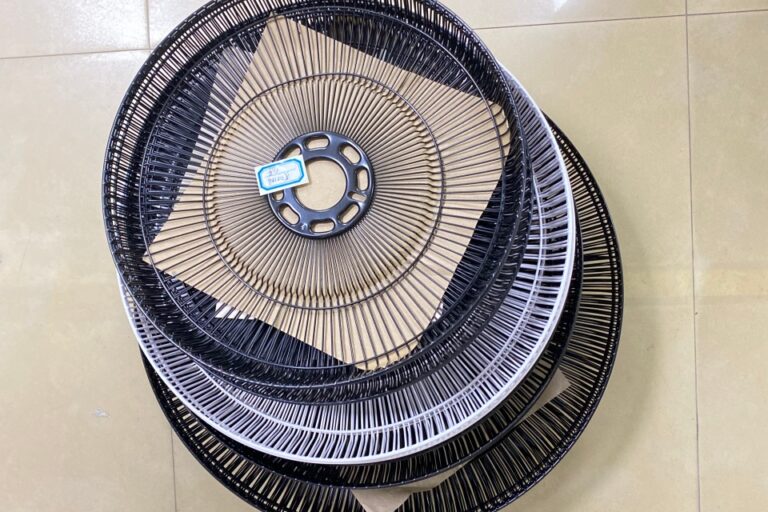
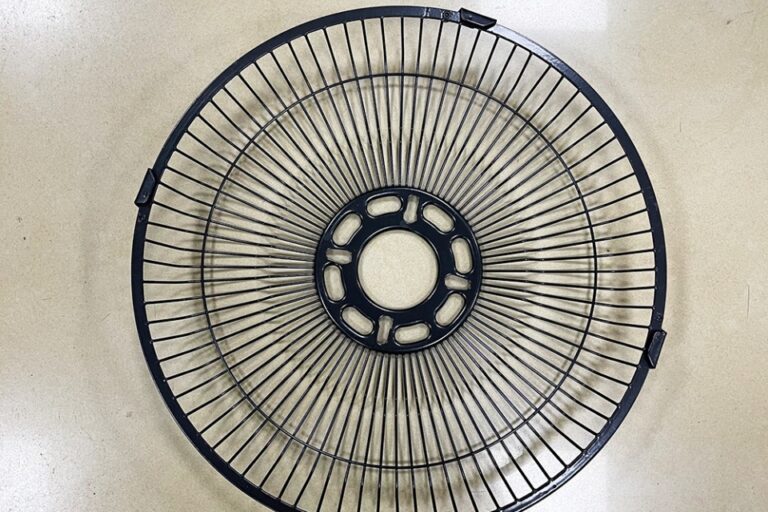
This is a practical way to troubleshoot common SMT machine errors. I’ll keep it shop-floor friendly. I’ll also tie it back to what we do at QIAO: custom ODM/OEM manufacturing with tight quality control and fast lead times, including parts that support refrigeration and commercial display builds—like Beverage Cabinet Wire Shelving.
Table of Contents
SMT Machine Error Codes
Most “mystery” errors aren’t mystery. They fall into a few buckets:
Pick errors (nozzle, vacuum, part presentation)
Vision errors (camera, lighting, fiducials, part data)
If you label the bucket first, you stop doing random tweaks. Random tweaks feel busy, but they usually make things worse.
Pick Error
A pick error usually means: the machine didn’t grab the part, or it grabbed it badly.
Vacuum Loss
What it looks like
“Pick fail”
“Part missing”
“Drop” right after pickup
Fast checks
Swap the nozzle with a known-good one.
Run a quick vacuum check (or vacuum diagnostics if your platform has it).
Look for tiny cracks in vacuum tubing. They hide well.
Fix moves
Clean or replace the nozzle.
Fix leaks, then re-test.
If it only happens on one component, check tape pocket depth and cover tape peel.
This is the kind of problem that eats OEE. It’s small, but it hits over and over.
Nozzle Clog and Dirty Nozzle Tips
Nozzles don’t just fail. They slowly get worse. Flux mist, dust, and tiny fibers build up. Then pick becomes “kinda ok”… until it isn’t.
If you see pick errors rising through a shift, don’t argue with it. Clean the nozzle set. Log it. Move on.
Vision Processing Error
Vision errors are annoying because they feel like software. But the root cause can be simple.
Camera, Lighting, and Contrast
What it looks like
“Vision fail”
“Recognition error”
Random rejects on shiny parts
Fast checks
Clean the lens area and lighting window.
Confirm lighting is stable. Flicker can wreck recognition.
Verify the part sits flat at pickup. Tilt kills vision.
Fix moves
Re-teach or update the part package data.
Adjust lighting profiles (gently). Don’t crank settings like a DJ.
Fiducials and Board Reference
If fiducials are dirty, scratched, or poorly printed, you’ll chase offsets all day. Wipe the board. Verify fid location in the program. Confirm the camera sees the same thing you think it sees.
Feeder Error
Feeder problems are the most “mechanical” errors on the line. They also cause the most arguments.
Tape Advance and Cover Tape Peel
What it looks like
“Feeder error”
“No part”
Part flips in pocket
Intermittent pick fails on one lane
Fast checks
Inspect the cover tape peel angle and tension.
Check if the tape sits centered.
Look for debris under the feeder. Yep, again.
Fix moves
Re-load the tape slowly. Confirm sprocket holes engage cleanly.
Replace worn feeder parts. A tired feeder will waste your whole day.
If the same feeder repeats the problem, quarantine it. Don’t “hope” it behaves.
Placement Offset
Placement errors often show up as:
“Placement out of tolerance”
“Offset too large”
AOI failures that cluster in one zone
Component Library Data
If the package data is wrong, the machine can place perfectly… in the wrong place.
Fast checks
Compare the footprint/library data to the part datasheet.
Confirm rotation and polarity rules.
Validate with a “golden board” if you have one.
Fix moves
Fix the library and lock it down.
Control revisions. ECO chaos is real, and it’s brutal on yields.
Z-Height and Placement Force
Too much force can smear paste or shift tiny parts. Too little force can leave parts floating.
If you see paste squeeze-out, don’t instantly blame stencil. Check placement force and Z height first.
Troubleshooting Matrix
Use this table like a quick map. It helps you cut MTTR without doing guesswork.
Error / Symptom
Likely Root Cause
Quick Test (5–10 min)
Fix Action
What to Log
Pick fail / missing part
Nozzle clog, vacuum leak
Swap nozzle, run vacuum check
Clean/replace nozzle, fix leak
Nozzle ID, vacuum value
Part drops after pick
Weak vacuum, bad tape pocket
Test another feeder lane
Adjust tape, inspect pockets
Feeder ID, lot number
Vision fail / recognition error
Dirty optics, bad lighting, wrong part data
Clean optics, re-run teach
Update vision data, verify lighting
Camera station, part ID
Offset too large
Fiducial issue, board shift, wrong library
Inspect fiducials, clamp check
Clean/replace board support, fix library
Board ID, program rev
AOI fails in one area
Warpage, support missing
Add support pins, re-run
Improve support, adjust force
Location, support setup
Feeder error / no advance
Worn feeder, tape jam
Try same tape on good feeder
Repair/replace feeder
Feeder serial, failure mode
Preventive Maintenance
Troubleshooting gets easier when your basics stay clean.
PM Item
Daily
Weekly
Monthly
Nozzle cleaning
✅
✅
✅
Vacuum line check
✅
✅
✅
Camera/lens wipe
✅
✅
✅
Feeder inspection
✅
✅
Calibration check
✅
✅
Spares audit (nozzles, belts, feeder parts)
✅
I know, PM feels boring. But line-down is more boring, trust me.
Production Reality: Why This Matters for Beverage Cabinets
If you build parts for refrigeration and commercial display systems, timing matters. A beverage cabinet is a system. It has metal, wire, coating, fasteners, and often control electronics in the supply chain.
When SMT goes unstable, everything downstream gets messy:
shipping dates slip,
rework piles up,
quality audits get tense,
and you start doing “temporary” fixes that turn permanent.
At QIAO, we treat troubleshooting like a repeatable process, not a one-person magic trick. That mindset protects lead time and quality. It also helps ODM/OEM customers who need steady output, corrosion-resistant finishes, and consistent builds that ship globally.
And yes, it helps when you’re producing beverage cabinet wire shelving and related cabinet components. When the factory runs smooth, your customers feel it. They get product on the floor, not stuck in limbo.
A Simple Rule That Works
When an SMT error hits, do this:
Classify the error (pick, vision, feeder, placement).
Change one thing (one nozzle, one feeder, one data point).
Prove it with a short run.
Log it so the next shift doesn’t repeat the same pain.
It’s not fancy. It’s just how you keep the line from turning into a drama show.
If you want, I can turn this into a version that matches your exact production mix (high-mix/low-volume vs mass production). I can also write a short checklist your operators can print and keep at the line.